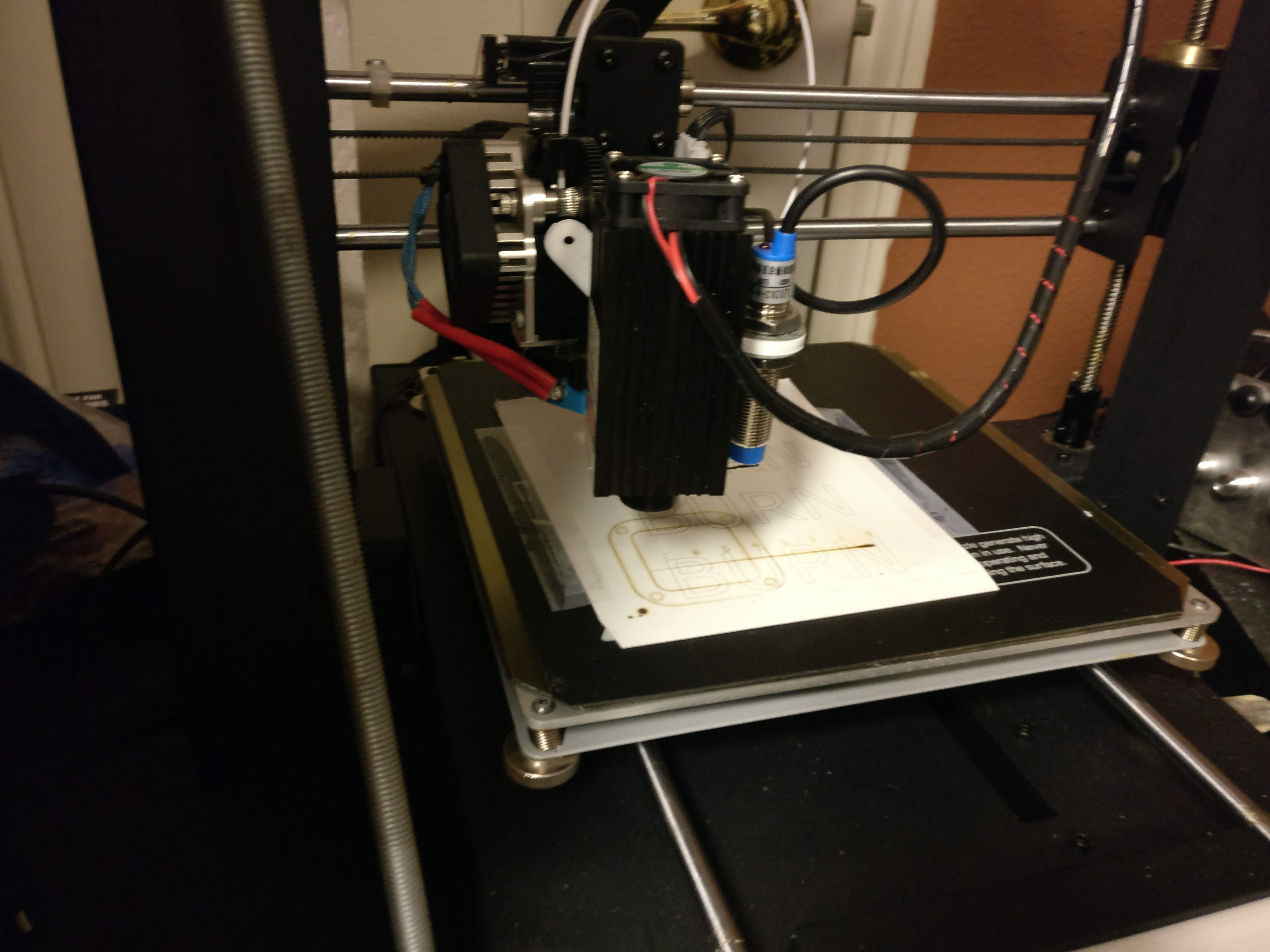
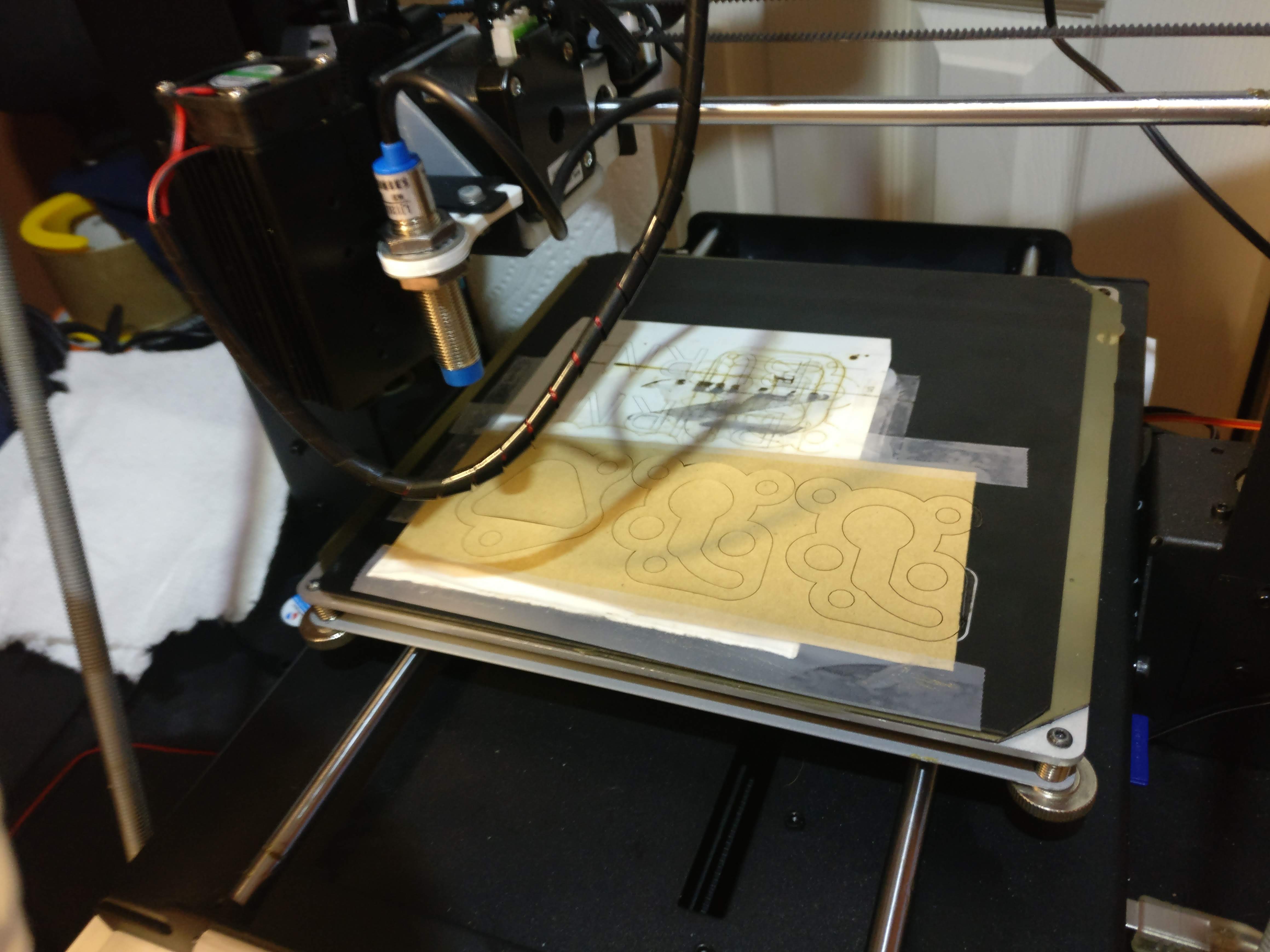
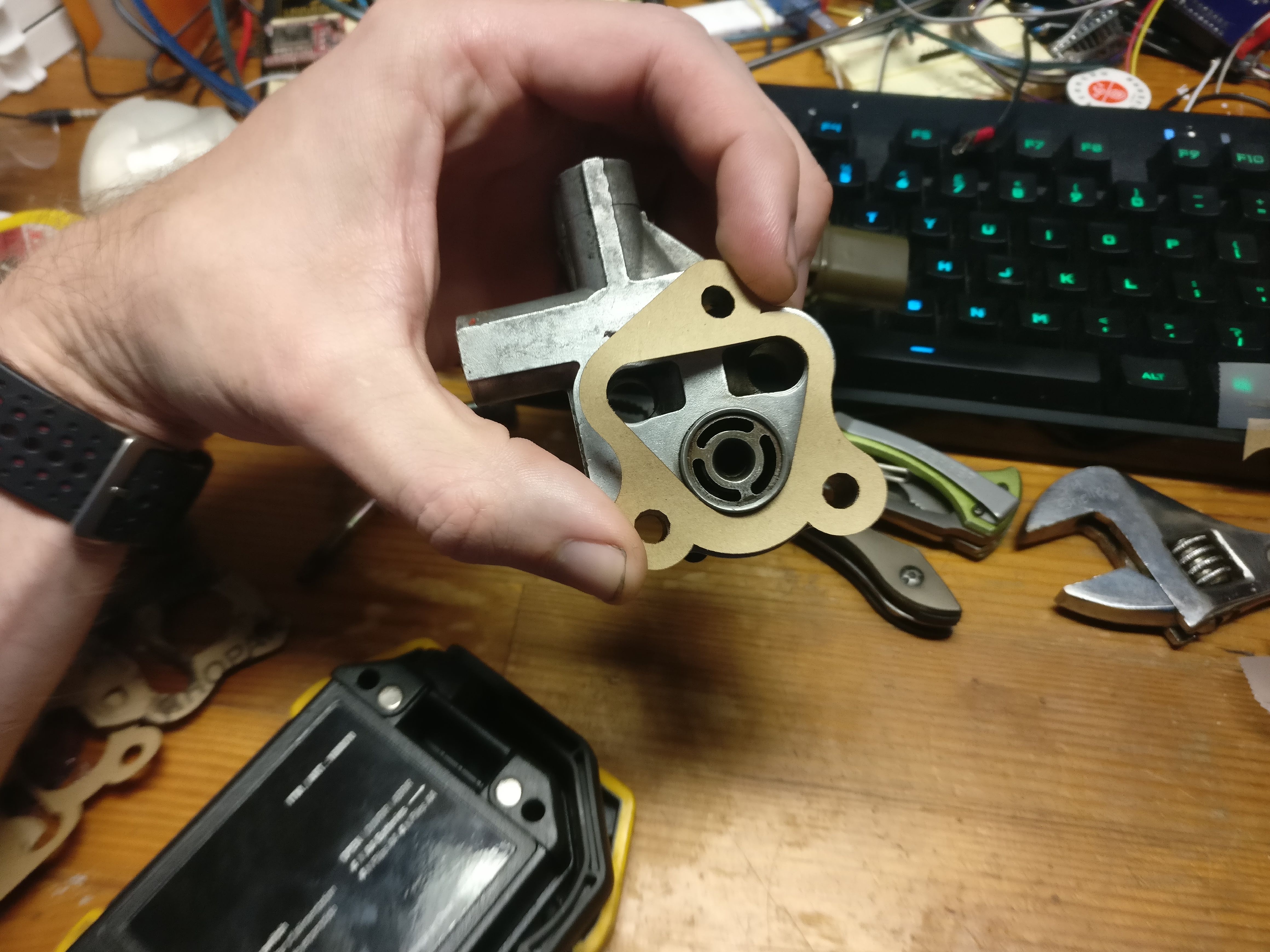
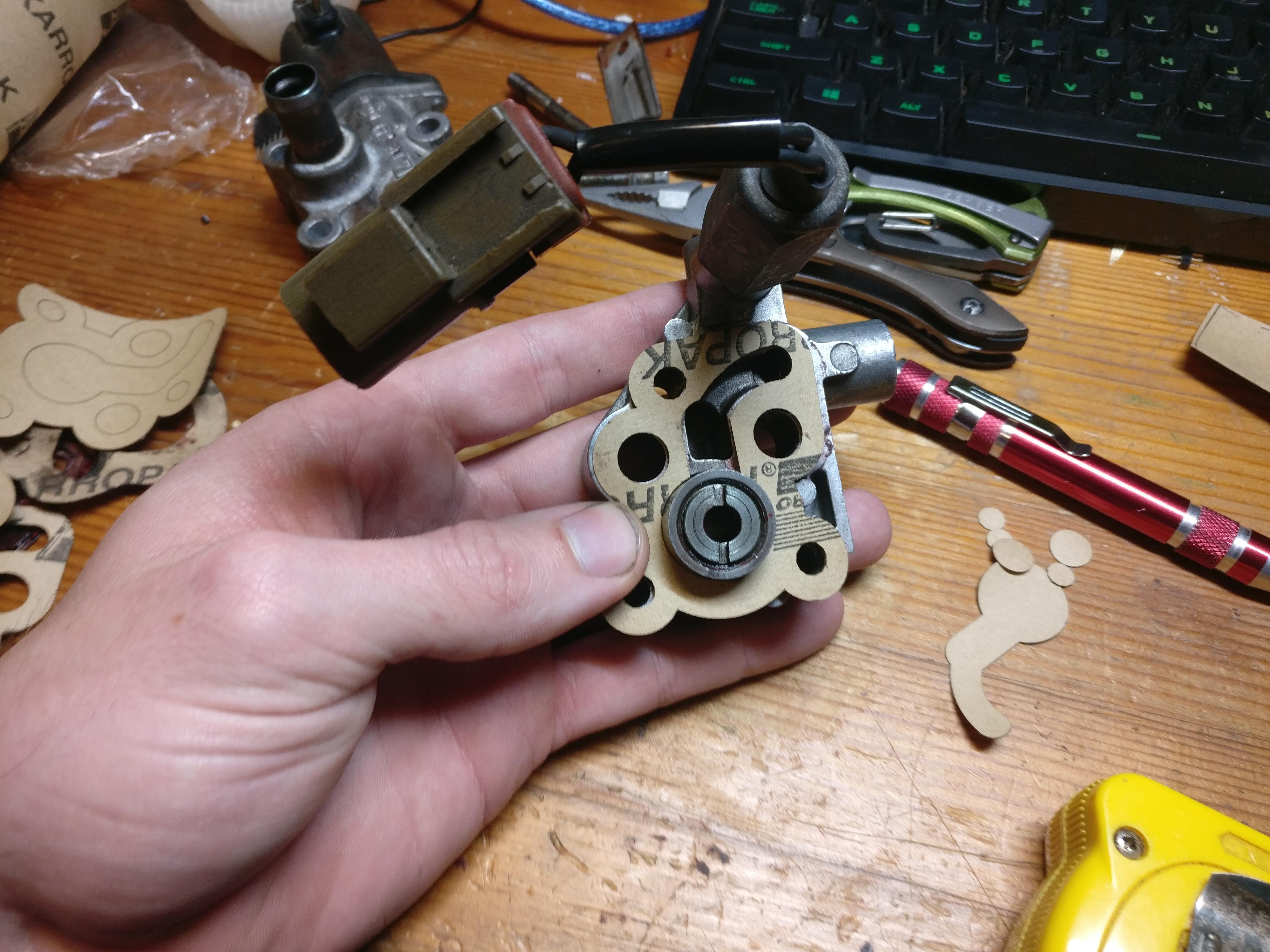
I recently got a new 3D printer (Ender 3) and completely stopped using my old one (Wanhao Duplicator i3 Plus). Rather than let it collect dust, I strapped a 450nm 2.5W laser module to its carriage and used it to laser cut some gaskets for the auxiliary air control valve (AAC) on my Z.
Workflow
I did my modeling in Fusion 360 and exported DXFs to Inkscape. In Inkscape I used the Photonics plugin to convert the DXF into G-code.
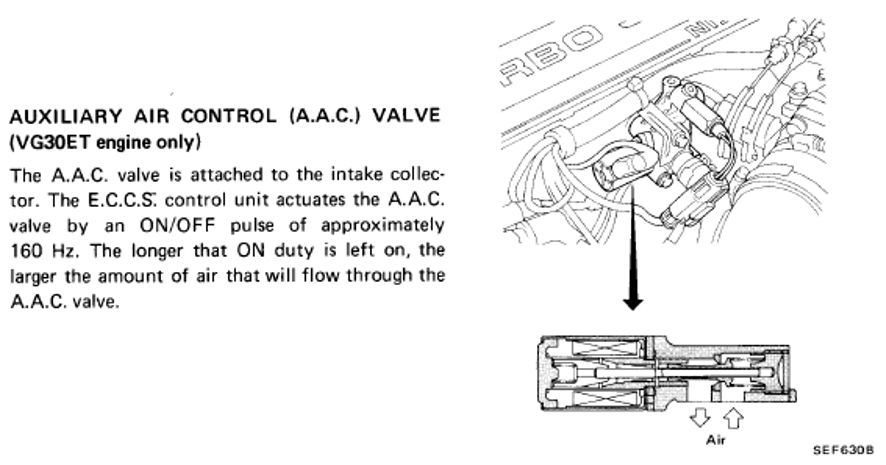
Files:


| File | Description |
|---|---|
| aac-gasket-1.dxf | AAC valve gasket 1 — DXF for laser cutting |
| aac-gasket-2.dxf | AAC valve gasket 2 — DXF for laser cutting |
Note: These are for a 1986 Nissan 300ZX Turbo — gasket dimensions may vary between models.
Issues to Work Through
Spline lines in Fusion 360: Do not use spline curves if you want to export cleanly to Inkscape. I had to redo my models using only circles and lines.
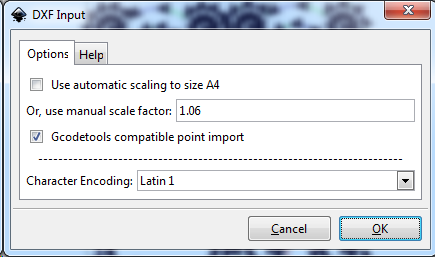
Scale on import to Inkscape: Dimensions changed on import. Setting the scaling factor to 1.06 on import corrected this.
Cutting Parameters
After those fixes, the workflow was smooth. At full laser power I was able to cut at 750 mm/min with clean results on paper gasket material (~0.4mm thick, sourced from AutoZone).
I also tried cutting black rubbery 0.8mm gasket material from Amazon — no luck. The composition is very different; even at slow feed rates it didn’t cut through cleanly.